


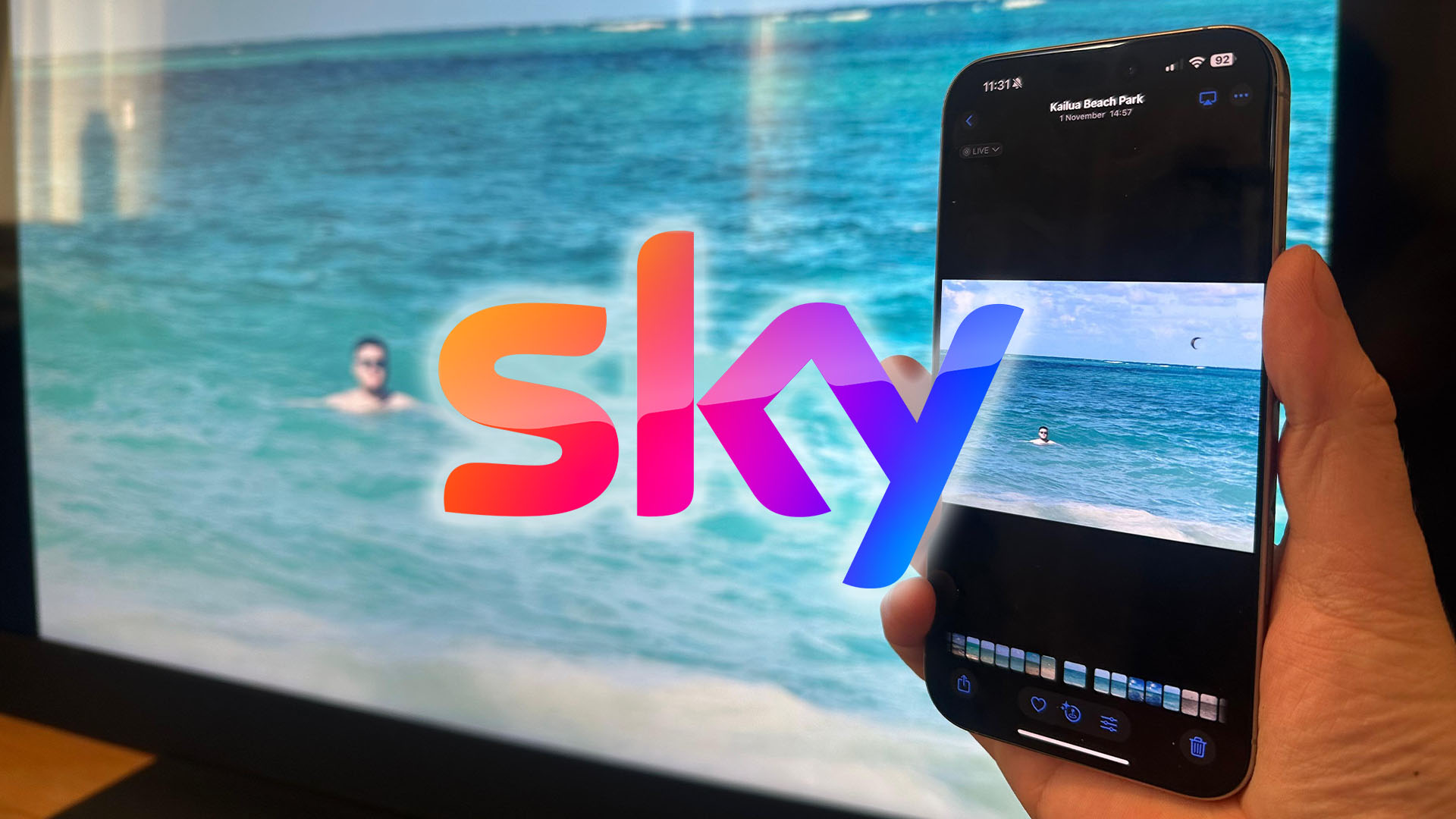
Sky has rolled out a significant update for its Sky Glass and Sky Stream platforms, introducing a suite of new features just in time for the holidays. One of the most anticipated additions is the integration of Apple AirPlay, allowing users to seamlessly stream content from their iPhones, iPads, Macs, and HomePod speakers directly to their Sky TV. This functionality enables viewers to effortlessly cast their favorite Netflix shows, movies, personal photos, and videos onto the big screen without the need for complicated setup or remote control navigation. Simply tapping the AirPlay icon within compatible apps initiates the casting process, instantly mirroring the content on the television. While this update currently supports Apple devices, Android users are still awaiting compatibility with Google Cast.
This AirPlay integration simplifies the viewing experience for iPhone users, offering a quicker and more intuitive way to enjoy content on their Sky TVs. The process involves connecting both the Apple device and the Sky TV to the same Wi-Fi network, then tapping the AirPlay icon (typically a small TV with radiating signals) within a compatible app like Netflix. Selecting the Sky TV from the device list completes the connection. For first-time users, a verification code displayed on the TV screen will be required for confirmation. Sharing photos and videos stored on Apple devices is equally straightforward, utilizing the share icon within the Photos app and selecting AirPlay followed by the Sky TV from the presented list.
Beyond AirPlay, Sky has introduced several other enhancements to elevate the user experience. Subscribers to the Ad Skipping service can now benefit from a dedicated button that instantly bypasses advertisements within on-demand content, eliminating the need for manual fast-forwarding. Binge-watchers will appreciate the new “next episode” button, streamlining the transition between episodes of on-demand shows.
Personalization features have also received attention. Viewers can now curate personalized playlists by adding their favorite actors, providing instant access to all movies and TV shows featuring those actors within the Sky library. This feature is accessible via the “+” button on the remote while browsing content. Furthermore, custom avatars featuring popular Sky characters and personalities, such as those from Brassic, A League of Their Own, Paw Patrol, and Peppa Pig, add a personalized touch to user profiles.
Additional improvements include the ability to add favorite channels directly to the home screen for quicker access. Audiophiles subscribing to Amazon Music can now enjoy high-definition audio playback on Sky Glass and Sky Stream. These updates collectively demonstrate Sky’s commitment to enhancing the user experience and providing a more personalized and streamlined viewing experience.
For those eager to utilize the new AirPlay functionality, ensuring both the Apple device and the Sky TV are connected to the same Wi-Fi network is crucial. Within apps like Netflix, the AirPlay icon, resembling a small TV with signals, initiates the casting process. Selecting the Sky TV from the list of available devices completes the connection. A one-time verification code, displayed on the TV screen, is required upon initial use. Sharing photos or videos requires accessing the Photos app, selecting the desired content, tapping the share icon (a box with an upward arrow), choosing AirPlay, and selecting the Sky TV. Stopping the casting session is as simple as closing the app on the Apple device. These user-friendly steps make accessing content from Apple devices on Sky TVs seamless and convenient.