


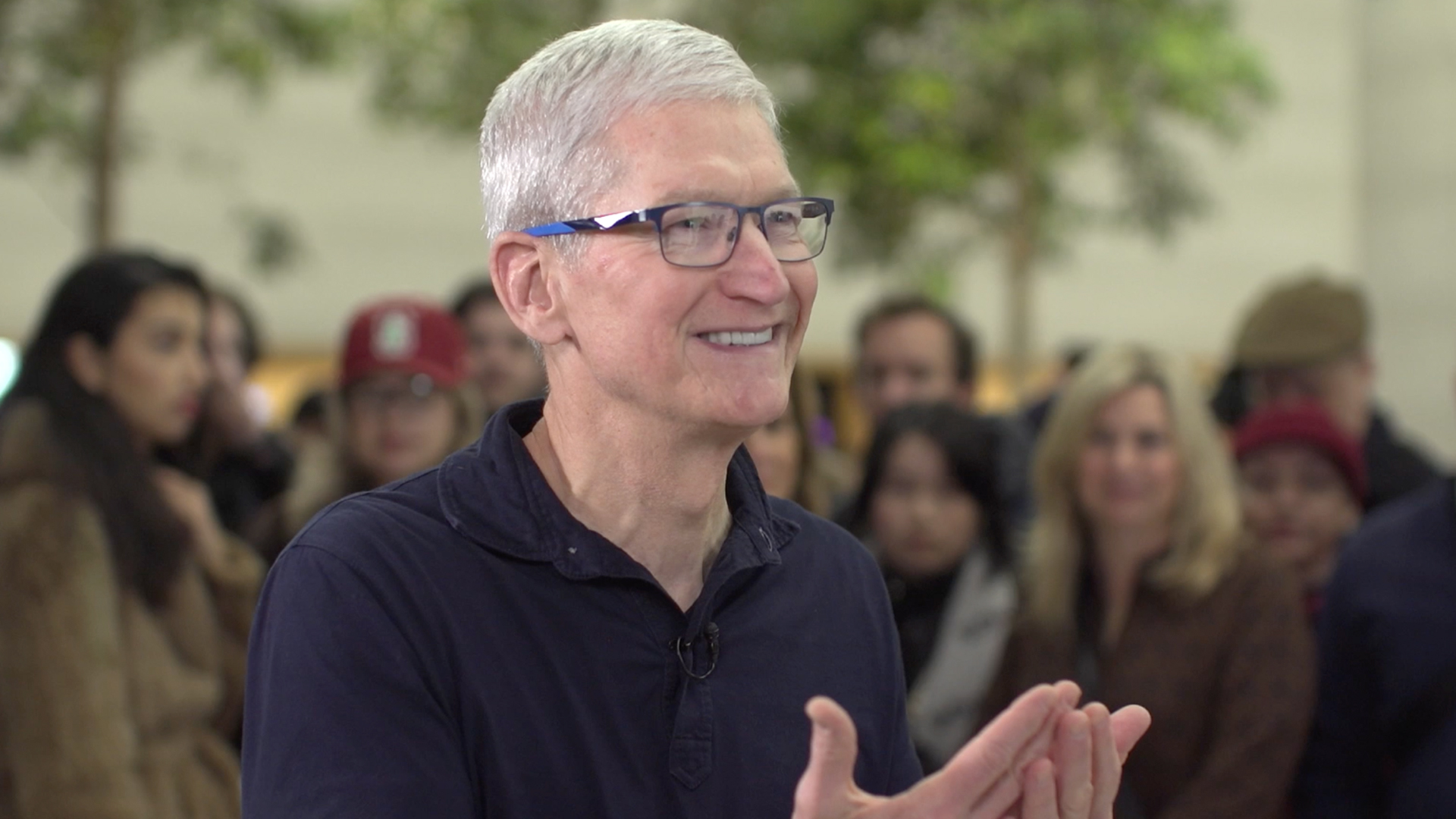
Apple CEO Tim Cook recently revealed his newfound enthusiasm for a personalized, AI-generated emoji featuring a Christmas-themed Big Ben, created using the new Genmoji feature available on updated iPhones. This novel feature, part of the latest Apple Intelligence update (iOS 18.2), leverages generative AI, similar to ChatGPT, to allow users to design and share virtually any emoji they can imagine. Cook’s festive creation was inspired by London’s elaborate Christmas decorations, which he praised during a recent visit to the UK. The Genmoji feature, initially unveiled at Apple’s WWDC event in June, marks a significant integration of generative AI into everyday Apple applications, including Mail, Messages, and Notes. Cook emphasized the transformative potential of this technology, predicting a profound impact on how users interact with their iPhones.
The Genmoji feature harnesses the power of generative AI to bring user-imagined emojis to life. To access this feature, iPhone users must first update their devices to iOS 18.2 and ensure their model supports Apple Intelligence. Compatible models currently include the iPhone 15 Pro, iPhone 15 Pro Max, iPhone 16, iPhone 16 Plus, iPhone 16 Pro, and iPhone 16 Pro Max. After enabling Apple Intelligence in settings, users can access the Genmoji creator through the emoji keyboard within any text field. A dedicated icon, a smiley face with a plus symbol, signifies the Genmoji creation portal. Users simply input a descriptive phrase of their desired emoji, and the AI generates a selection of options.
The process of creating a Genmoji is designed to be intuitive and user-friendly. Once the emoji keyboard is open, users tap the distinctive smiley face with a plus symbol icon located at the top right. A text field appears where users can describe the emoji they envision. The description can be as detailed or simple as desired, ranging from abstract concepts to specific objects or scenes. For example, Cook’s “Big Ben Christmas” prompt likely resulted in emojis depicting the iconic landmark adorned with festive decorations. After entering the description, users simply tap “Done,” and the AI generates a series of Genmoji options based on the provided text.
Furthermore, Genmoji offers a unique integration with the Photos app, allowing users to create personalized emojis featuring people from their photo library. By adding names to individuals identified in the “People” section of the Photos app, users can then incorporate these names into their Genmoji prompts. This feature enables the creation of highly personalized emojis, such as “Danny celebrating his 35th birthday,” as illustrated by Apple. This functionality adds another layer of customization and creativity to the Genmoji experience, allowing users to depict friends and family in various scenarios and emotions within their emoji creations.
Once the AI generates the Genmoji options, users can easily browse through the selection. Tapping “Add” saves the chosen Genmoji to the frequently used emoji section for convenient future access. This seamless integration allows for effortless incorporation of personalized emojis into messages, emails, and notes, enhancing communication with a touch of individual flair. The ability to create and share unique emojis tailored to specific situations and emotions adds a new dimension to digital expression.
Deleting unwanted Genmoji is also a straightforward process. Users simply access the emoji keyboard, navigate to the stickers section, and then touch and hold the Genmoji they wish to remove. A “Remove” option appears, allowing for quick deletion. Alternatively, users can access the stickers section through the plus icon within a Messages chat and follow the same touch-and-hold procedure to delete the desired Genmoji. This simple removal process ensures efficient management of created emojis, allowing users to curate their personal library of personalized icons.