


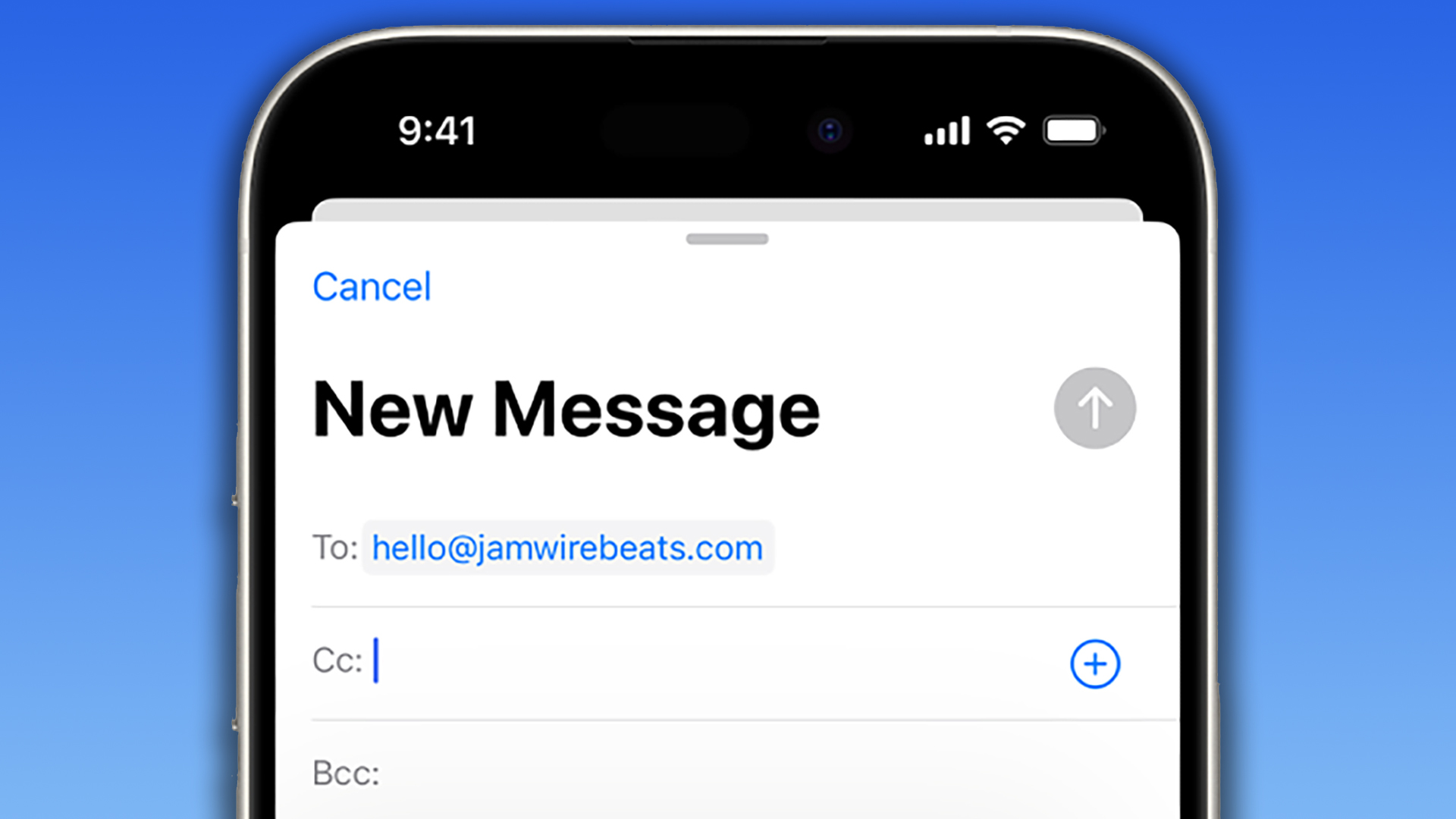
Apple’s Hide My Email feature, introduced with iOS 15, offers a robust privacy solution by allowing users to generate unique, random email addresses for online interactions. This shields your real email address from third-party websites and services, mitigating privacy risks and spam. These generated addresses act as intermediaries, forwarding incoming mail to your actual inbox while keeping your primary email hidden. This empowers you to control the flow of information and easily deactivate specific addresses if they become sources of unwanted communication. Essentially, it’s like having a customizable firewall for your inbox.
The benefits of Hide My Email extend beyond mere spam prevention. By using different generated addresses for various websites, you can pinpoint the source of potential data leaks or unauthorized email sharing. If a website you signed up for using a specific Hide My Email address suddenly starts sending spam to that address, or if you see your information appearing in places you didn’t authorize, you’ll know exactly which website is responsible. This granular control enhances your online security and allows you to take appropriate action.
Setting up and using Hide My Email is straightforward. First, ensure your iPhone is running iOS 15 or later (which is highly likely given iOS 18 is the current version) and that you have an iCloud+ subscription. This service starts at a modest monthly price and includes other valuable features like increased iCloud storage and iCloud Private Relay for private browsing. Once subscribed, navigate to ‘Hide My Email’ within the iCloud section of your iPhone’s settings.
From here, you can create new disposable email addresses or deactivate existing ones. When signing up for services online, you can either manually input a previously created Hide My Email address or, in many cases, Safari and Mail will offer to generate one for you on the fly using the ‘Use Hide My Email’ button. This seamless integration makes protecting your privacy effortless. You retain the flexibility to switch back to your regular email address at any time, providing ultimate control over your digital footprint.
The iCloud+ subscription, which unlocks Hide My Email, offers several tiered storage options to suit different needs and budgets. The entry-level tier provides ample storage alongside Hide My Email and iCloud Private Relay, while larger storage capacities are available at progressively higher prices. These pricing tiers accommodate diverse user requirements, ensuring accessibility for a broader audience. It’s advisable to check Apple’s official website for the most up-to-date pricing in your region before subscribing.
In essence, Hide My Email acts as a protective buffer between your personal inbox and the wider internet. It allows you to engage with online platforms and services without directly exposing your real email address, minimizing the risk of spam, data breaches, and unwanted marketing. This feature, easily accessible through your iCloud settings, is a powerful tool in maintaining digital privacy and controlling your online identity. The ability to generate multiple unique addresses and deactivate them at will puts you in the driver’s seat, empowering you to navigate the digital landscape with greater confidence and security.