


Apple’s Lockdown Mode: An Extreme Shield Against Sophisticated Cyberattacks
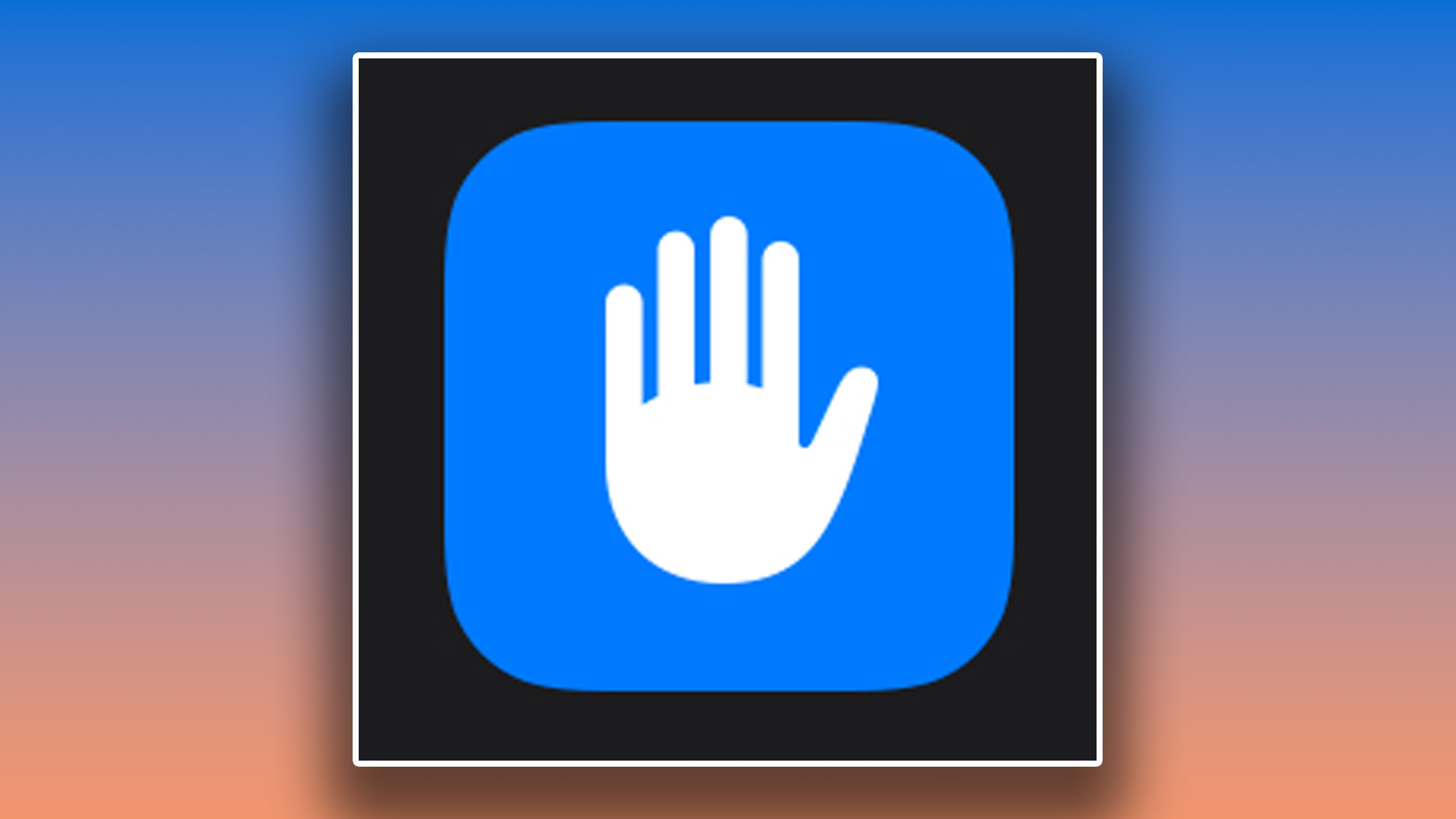
In the ever-evolving landscape of digital threats, Apple has introduced a powerful security feature designed to safeguard users from highly sophisticated cyberattacks: Lockdown Mode. This optional setting, available on iPhones and Macs running iOS 16 and later, acts as an “extreme protection” measure by significantly restricting device functionality to minimize potential vulnerabilities. While Apple acknowledges that the vast majority of users will never require this level of security, it offers a crucial defense for individuals who may be targeted by state-sponsored spyware or other advanced threats.
Activating Lockdown Mode fundamentally alters the device’s operational behavior. Communication features like Messages, FaceTime, and web browsing are dramatically restricted. Most message attachments are blocked, link previews are disabled, and FaceTime calls are limited to previously contacted individuals. Web browsing experiences are streamlined, with some websites potentially encountering loading issues. Sharing photos becomes more secure, as location information is automatically scrubbed before distribution. Furthermore, automatic connections to unfamiliar Wi-Fi networks are prevented, and features like SharePlay and Shared Albums are disabled. This comprehensive lockdown effectively reduces the attack surface by limiting functionalities that could be exploited by malicious actors.
Apple emphasizes the gravity of enabling Lockdown Mode, underscoring its impact on the typical user experience. Features like SharePlay, Shared Albums, FaceTime Live Photos, and FaceTime Continuity Handoff become unavailable. For the average user, these restrictions would significantly impede the seamless and interconnected experience that iPhones are known for. However, for individuals facing credible threats of targeted cyberattacks, the trade-off is a necessary sacrifice to protect sensitive data and personal privacy.
Enabling Lockdown Mode is a straightforward process. First, ensure your iPhone or Mac is running the latest software version. On an iPhone, navigate to Settings > Privacy & Security > Lockdown Mode. Tap “Turn On Lockdown Mode,” confirm your choice, and restart your device. On a Mac, access System Settings, select Privacy & Security, and then choose Lockdown Mode. Follow the prompts to activate and restart. Disabling Lockdown Mode follows the same path, requiring you to revisit the Lockdown Mode settings and toggle it off.
The core functionalities affected by Lockdown Mode encompass Messages, web browsing, FaceTime, Apple services, Photos, device connections, wireless connectivity, and configuration profiles. Within Messages, most attachment types are blocked, and link previews are disabled. Web browsing experiences may be altered, with certain websites not loading correctly. FaceTime calls are restricted to contacts you’ve previously called. Apple services like SharePlay and Shared Albums are disabled. Location data is removed from shared photos. Device connections are limited, and automatic connections to insecure Wi-Fi networks are prevented. Finally, configuration profiles may be impacted, further enhancing security.
Lockdown Mode represents a significant step in protecting individuals from highly targeted cyberattacks. While its restrictive nature makes it unsuitable for everyday use by the majority of users, it provides a vital defense for those facing credible threats. By significantly limiting device functionality, Lockdown Mode reduces the attack surface and minimizes the potential for exploitation by sophisticated spyware and other malicious actors. This extreme protection measure offers a valuable safeguard in a world increasingly vulnerable to advanced cyber threats, ensuring that those at risk can maintain their privacy and security in the face of targeted attacks. Apple’s commitment to user security is evident in the development of this powerful tool, which empowers individuals to take control of their digital safety and protect themselves against the most sophisticated forms of cyber aggression.